 Keet Support
Invite Links
Clicking a Keet room link, scanning a room QR code, or scanning someone's profile QR code takes you straight into the app — or guides you to install it first and lands you right back where you started.
You can be invited into Keet in three ways:
- Click a Keet room link (
https://keet.io/join#...) - Scan a Keet room QR code
- Scan a user's profile QR code
All three work the same way. If Keet is already installed, you're taken straight into the room or chat. If it isn't installed yet, you're guided to download the app first — once you open it, you land right back in the room or chat you were invited to, with no need to click the link or scan the code again.
If Keet is already installed
The link or QR code opens Keet directly and continues into the intended action — joining the room or starting the chat.
If Keet is not installed
The link or QR code opens a join page in your browser instead. This page explains what you're joining and offers two options: Open Keet (if you already have it) or Download Keet to install it first.
The join page shows the group or profile you're invited to, download links for your device, and a QR code you can scan with your phone instead:

Pick the download that matches your operating system:
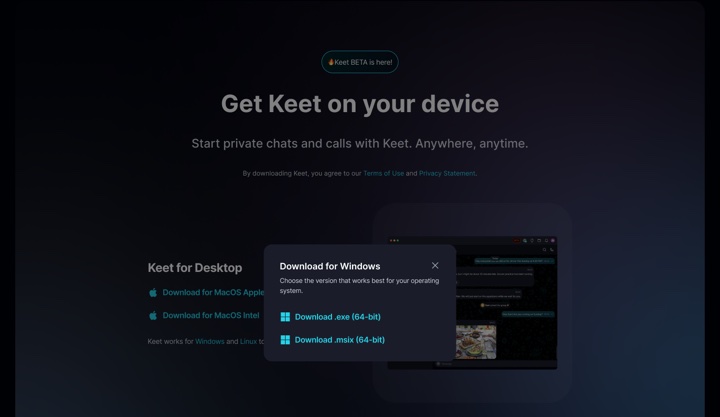
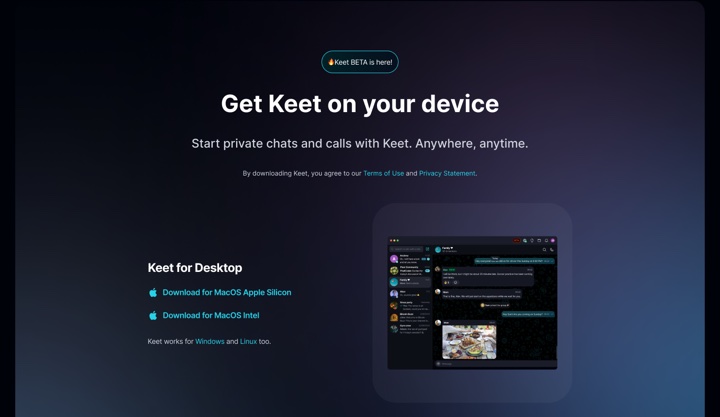
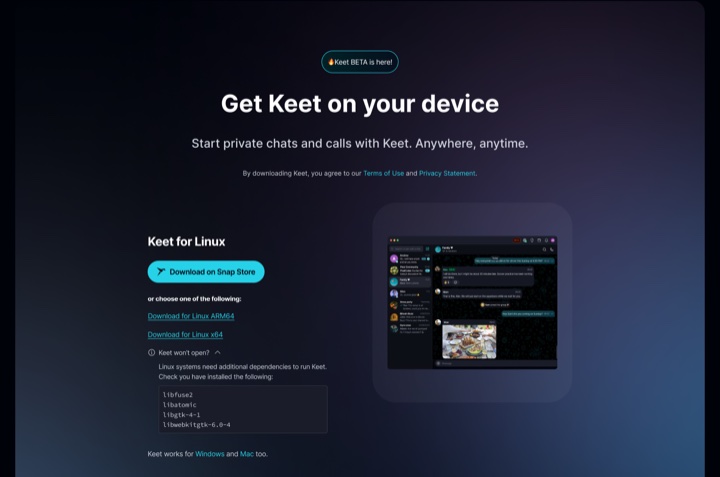
Once Keet is installed and you open it, it continues straight into the room or chat you were invited to — you don't need to click the invite link again.
If opening the app automatically doesn't work, you can always paste the https://keet.io/join#... link into the Search or paste invite link field inside Keet — the same way it works on mobile.
The join page shows the group or profile you're invited to, with links to the App Store, Google Play, or desktop, plus a QR code and a button to join once you have the app:

You can also get to the same download links from keet.io/download:
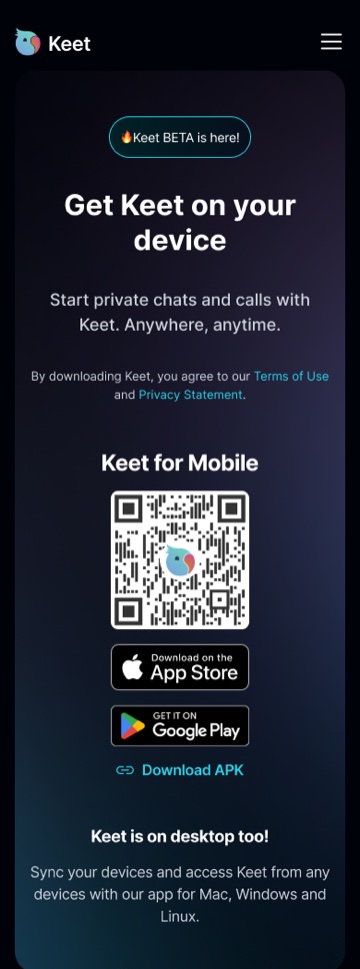
Install Keet from the App Store (iOS) or Google Play (Android), then open the app. It continues straight into the room or chat you were invited to — no need to tap the link or rescan the code again.
For the full list of supported platforms and versions, see Installation.
If you're having trouble joining after installing Keet, please email us at support@holepunch.to